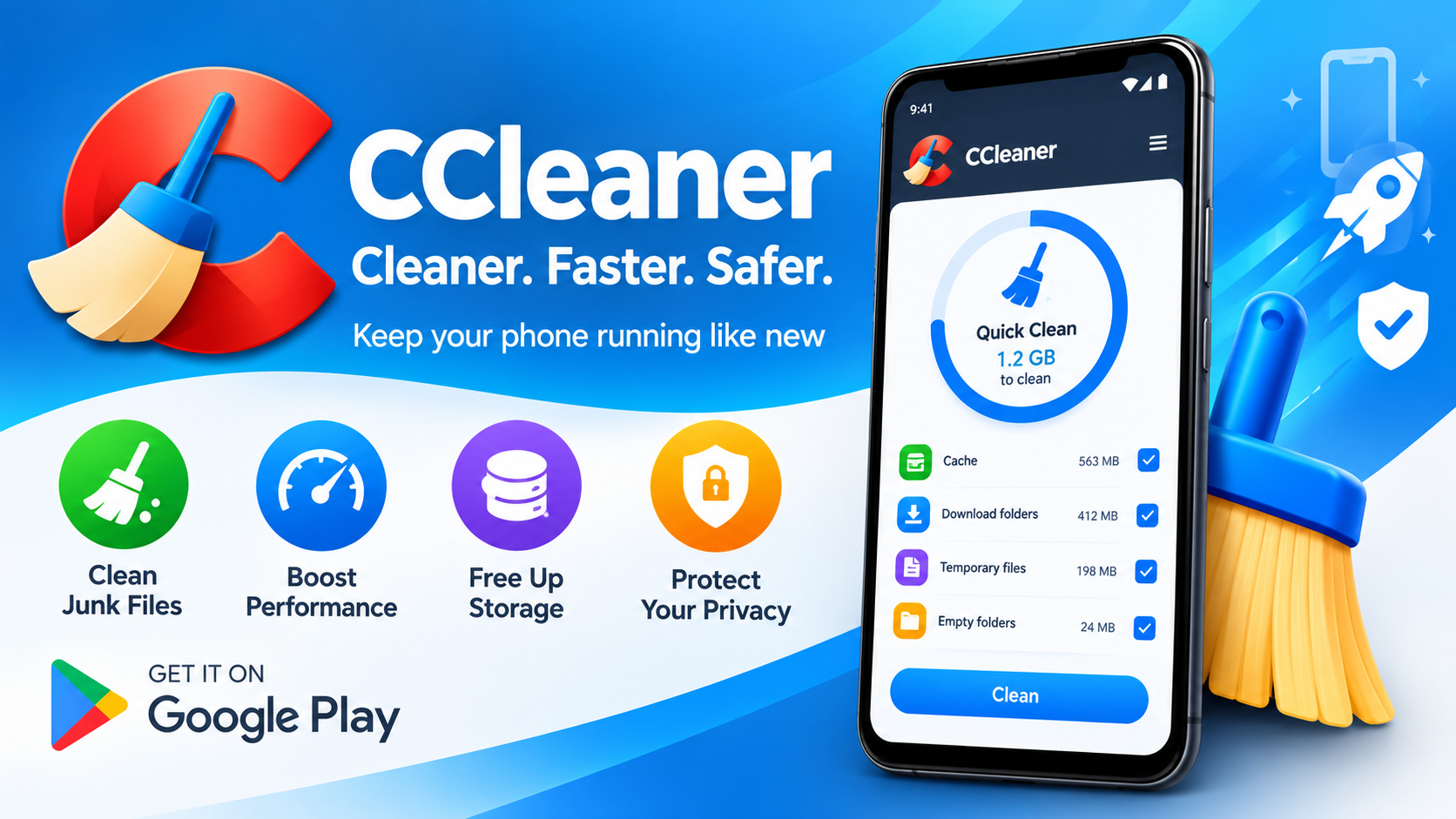
Most Android users have felt that familiar pang of panic: the "Storage almost full" notification. Suddenly you're scrolling through your phone, deleting screenshots from three years ago and wondering how a device with 128GB of space got this crowded. CCleaner, from the folks at Piriform (now part of NortonLifeLock), has been a household name on PCs for years, and its Android version promises to bring that same cleanup magic to your pocket. But does it deliver? The answer is a qualified yes—with some important things to keep in mind.
What CCleaner Actually Does on Android
At its core, CCleaner for Android is a maintenance app with three main jobs. First, it clears out junk—residual files, obsolete caches, and other digital clutter that quietly eats your storage. Second, it helps you uninstall apps you no longer need, which is often the single biggest storage win on any phone. Third, it monitors your system, showing you CPU usage, RAM availability, internal storage, and even battery temperature. Think of it as a dashboard for your phone's health, with a broom attached.
The Storage Cleanup Features
The headline feature is junk cleaning, and it does what it says on the tin. CCleaner scans for outdated and residual files and offers to remove them, freeing up space that would otherwise sit there doing nothing. One of the more useful additions is the app impact analysis: the app can show you which applications are draining your data plan, which are guzzling battery, and which ones you haven't opened in months. That last one is genuinely valuable—most of us have a graveyard of forgotten apps silently consuming resources. The built-in App Manager makes it easy to find and uninstall those unused apps in bulk.
System Monitoring and the "App Stats" Feature
Beyond cleaning, CCleaner positions itself as a lightweight system monitor. You can check CPU usage, available RAM, internal storage, and battery health metrics at a glance. A relatively recent addition called "Application Stats" lets you quickly gauge the overall impact of each app on your device—a nice way to identify the culprits behind sluggish performance or rapid battery drain. It's not a diagnostic tool for power users, but for the average person who just wants to know why their phone feels slow, it's approachable and clear.
Ease of Use: A Genuinely Simple Interface
Credit where it's due: CCleaner's Android app is easy to navigate. The interface is clean and intuitive, with the main functions—clean, uninstall, monitor—front and center. There's no steep learning curve, and you don't need to understand what a cache partition is to use it effectively. The app also uses Accessibility permissions to let users (including those with disabilities) close all background apps with a single tap, which is a thoughtful accessibility feature rather than just a gimmick.
The Caveats You Should Know Before Installing
Here's where the conversation gets more nuanced, and where the app's own store listing and user reviews tell an important story.
- No recycle bin. This is the big one. Multiple user reviews describe accidentally deleting important photos and videos with no way to recover them—one reviewer lost over 400 photos, including irreplaceable pictures of a deceased pet and a family member. CCleaner does not have a trash or recycle bin, so anything it removes is gone. Back up first, and read the confirmation screens carefully.
- Ads in the free version. The free tier displays third-party ads. A subscription removes them, but as one blunt reviewer put it, paying customers get a smoother experience. If ads bother you, factor in the cost.
- It's a cleanup tool, not a miracle worker. Users expecting dramatic performance gains may be underwhelmed. Android already manages memory fairly well; CCleaner is best treated as occasional housekeeping rather than daily maintenance.
- Some purchase quirks exist regionally. A Chinese-language reviewer noted that the Pro upgrade button didn't respond until they switched their system language to English—a server-side formatting issue that the developer said they'd investigate. If you hit a wall buying the upgrade, that's a workaround worth trying.
Who Should Use It (and Who Should Skip It)
CCleaner for Android makes the most sense for casual users who want a simple, all-in-one tool to check storage, uninstall forgotten apps, and keep an eye on system resources without digging through Android's built-in settings. If you're comfortable using Android's native storage manager and Digital Wellbeing tools, you may not need it at all. And if you're the type who keeps irreplaceable photos on your phone, make sure you have cloud backup in place before you let any cleaner—this one included—loose on your files.
The Bottom Line
CCleaner for Android is a polished, easy-to-use maintenance app that does its core job well: freeing storage, surfacing wasteful apps, and giving you a readable snapshot of your phone's health. Its 2.8 million reviews suggest a large and mostly satisfied user base, and the developer is at least responsive to feedback. But the absence of a recovery option for deleted files is a serious limitation, and the ad-supported free version won't suit everyone. Approach it as a helpful assistant rather than an automatic janitor—review before you clean, back up before you delete, and it'll serve you well.
Verdict: A solid, beginner-friendly cleanup utility—best used deliberately, with backups in place and a subscription if ads annoy you.