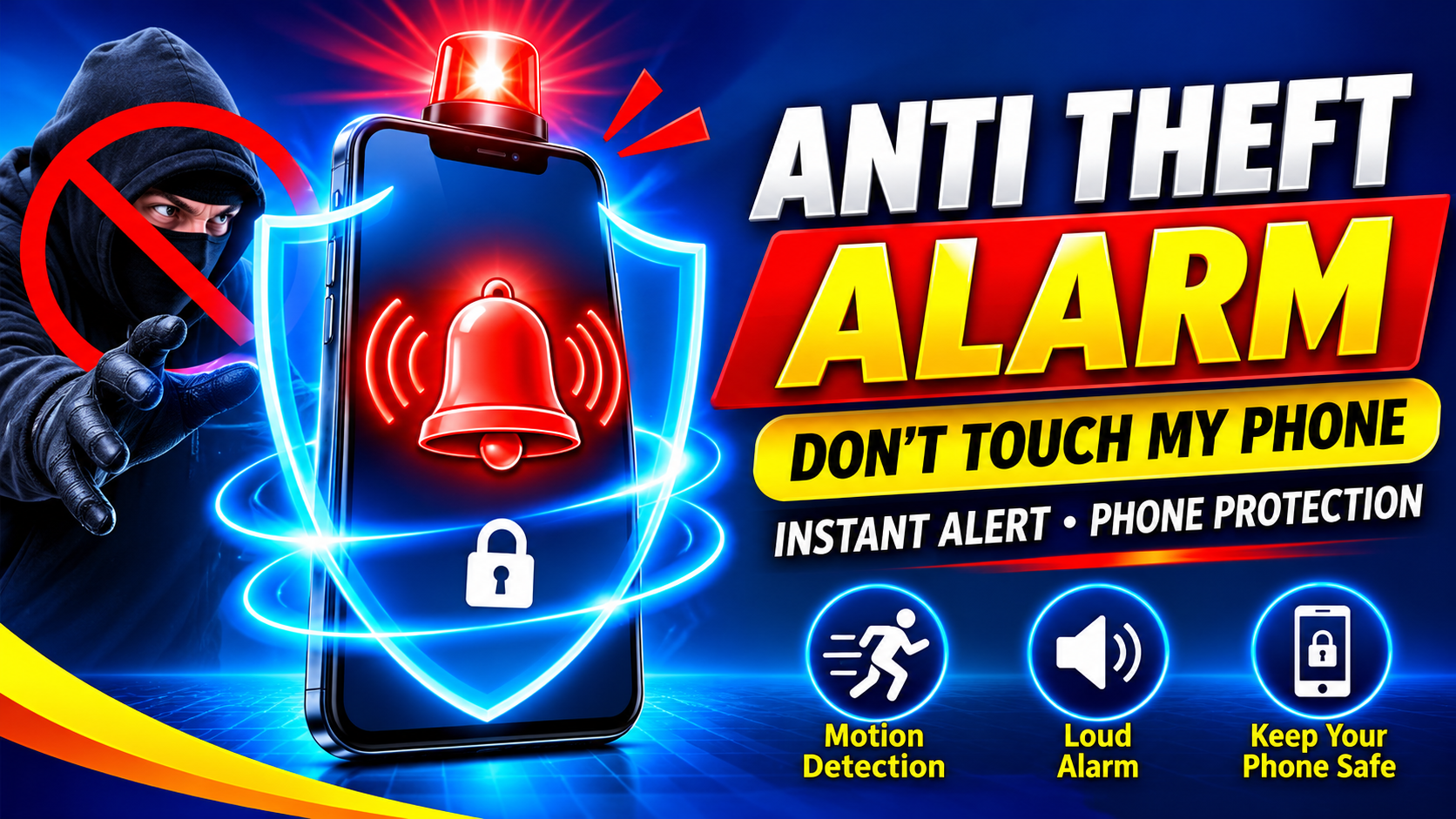
The premise behind Anti Theft Alarm Protect Phone is refreshingly simple. Picture this: you set your phone down on a table at a café or plug it in to charge in a public space. Instead of constantly glancing over at it, you activate the alarm, put the phone down, and relax. If someone tries to take it, a loud siren blares and warning lights flash—instantly. That's the entire value proposition, and the app's Play Store listing frames it as a no-fuss way to stay one step ahead of thieves. For anyone who's ever felt anxious about leaving a phone unattended, it's an appealing idea.
Core Feature: Touch-Triggered Alarms
The headline feature is what the app calls "touch-triggered alarm." Once activated, the moment someone picks up or moves your phone, the alarm fires at maximum volume. According to the listing, this serves two purposes at once: it startles the would-be snoop and alerts everyone nearby that something is wrong. It's a deterrent as much as a detection tool—and in crowded places, that social pressure can matter more than the sound itself. The catch, of course, is that you need to remember to arm it, and you'll want to disarm it before you pick the phone up yourself.
Pocket Mode for Crowded Spaces
The app also includes a dedicated Pocket Mode, designed for exactly the scenarios where phone theft is most common: buses, malls, and other crowded places. With Pocket Mode enabled, the alarm sounds immediately if your phone is removed from your pocket or bag. That gives you a split-second window to react while the thief is still nearby. It's a smart addition that extends the app's usefulness beyond "phone on a table" situations and into everyday commuting.
Customization: Sirens, Bells, and Baby Cries
Not every alarm needs to sound like a bank heist. The listing notes that you can choose from several alarm sounds—siren, church bell, baby crying, and more—all set to maximum volume. You can also enable flashlight flashing and vibration to make sure the alert gets noticed even in noisy or visually cluttered environments. Beyond the alarm itself, the app keeps things simple: one tap to arm, and a PIN code to disarm. There's no complex setup, which is a genuine plus for an app you might need to activate quickly in a hurry.
Data Safety: Read This Before You Install
This is where the listing deserves careful attention. The data safety section contains what looks like a contradiction at first glance: it states the app may share certain data types with third parties—including app activity, app info and performance, and device or other IDs—while also stating that it collects no data. In practice, the "no data collected" line typically refers to data stored on the developer's servers, while sharing with third parties (often advertising or analytics partners) is a separate matter. Other key points from the listing:
- Data is encrypted in transit, which is good.
- Data cannot be deleted—there is no deletion option listed, unlike many apps that offer one.
- The developer-provided details may vary by usage, region, and age, and can change over time.
If privacy is a priority for you, that combination—third-party sharing plus no deletion option—is worth weighing before you install.
What Users Are Saying
With roughly 40,900 reviews and over 5 million downloads, the app has a substantial user base, and the visible reviews are mixed but lean positive. One user simply said it works and is usable. Another gave it a thumbs-up with "not bad, not bad." The most critical visible review was blunt: "too many ads—makes my head spin." That ad complaint is a common theme with free utility apps, and it's worth setting expectations accordingly. The sample is small, but the pattern—functional core, ad-heavy experience—is a familiar one in this category.
Who It's For—and What to Keep in Mind
This app is a solid fit for:
- Commuters who want pocket-mode protection on crowded buses and trains.
- Café and co-working regulars who leave phones on tables while working.
- Travelers who want a simple, tap-to-arm deterrent in unfamiliar places.
A few practical caveats: the alarm depends on you remembering to arm it and on the phone's motion sensors detecting movement, so results may vary by device. The PIN-based disarm means you'll want to pick a code you won't forget. And given the ad complaints and the data-sharing disclosure, consider whether a free, ad-supported model fits your comfort level—or whether a paid alternative might suit you better.
Final Thoughts
Anti Theft Alarm Protect Phone delivers exactly what its name promises: a loud, customizable, motion-triggered alarm with a handy pocket mode and dead-simple controls. For a free app with 5 million+ downloads, it covers the basics well. But the data safety section—third-party sharing, encryption in transit, and no deletion option—plus the ad-heavy experience are things every prospective user should know going in. Install it with clear eyes, arm it when you need it, and it can be a genuinely useful layer of peace of mind. Just don't expect it to replace common sense: keeping an eye on your phone is still the best theft protection there is.